
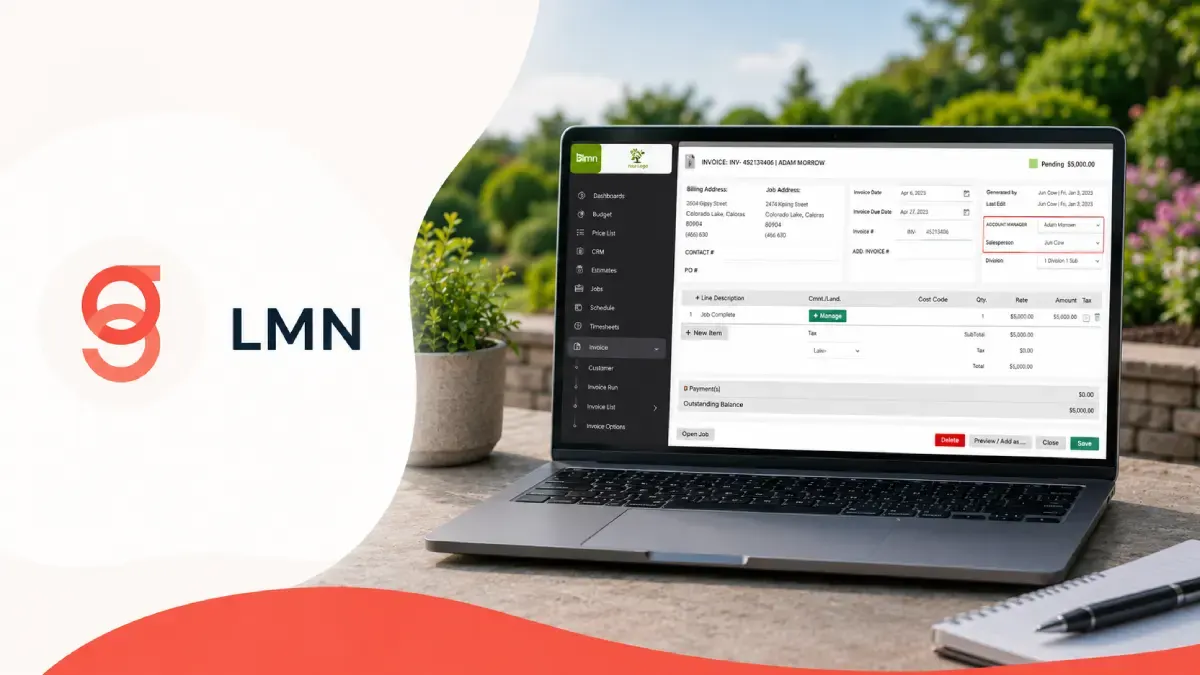
LMN is one of the most widely known platforms in landscaping and lawn care because it combines budgeting, estimating, scheduling, crew apps, and reporting into one stack built for green‑industry businesses. But when you click through to the pricing page, it isn’t always obvious what you’ll really pay once licenses, payment processing, and add‑ons are factored in.
This guide breaks down LMN’s Starter, Professional and Enterprise plans, the real monthly license costs, how LMN Pay fees work, and the extra add‑ons landscaping companies often forget to include in their budget.
Internal links:
Full feature breakdown: LMN review on FieldTech Reviews
Trade‑wide comparison: Best landscaping software
LMN at a glance: who it’s built for
LMN is positioned as a vertical platform for landscaping and lawn care contractors, not a generic field service app. It focuses on:
Budget‑based estimating and job costing, so you can quote work based on real numbers.
Scheduling, time tracking, and crew apps to coordinate field teams.
Invoicing, payments, and reporting to connect operations back to profitability.
The pricing page makes this explicit by mapping each plan to company size: Starter for 1–3 crews, Professional for roughly 5–50 employees, and **Enterprise for larger companies that need more flexible solutions and support.
LMN Starter: entry‑level license for small crews
On the LMN Plans & Pricing page, LMN Starter is presented as the entry‑level tier “for companies who want to get organized, spend less time on repetitive tasks, and improve job profitability.”
Advertised price: around $297 per month, billed as a flat monthly license.
Target businesses: smaller operators with roughly 1–3 crews who want to standardize estimating, scheduling, and billing without enterprise complexity.
Core LMN Starter features typically include:
Budget‑based estimating and job costing – building estimates from detailed budgets rather than guesswork.
Invoicing & payments – issuing invoices and recording payments in one system.
Client & lead management – tracking prospects and customers, plus basic CRM‑style workflows.
Job & time tracking – recording hours and progress so you can track profitability by job.
Reporting & analytics (standard) – basic dashboards and reports for owners.
For many landscaping companies moving off spreadsheets for the first time, Starter is the tier that gets you into LMN’s ecosystem without jumping straight to enterprise‑level pricing.
LMN Professional: scaling scheduling, crew apps, and reporting
The LMN Professional plan is highlighted on the pricing page as the “most popular” option and is positioned for companies with 5–50 employees that want to enhance efficiency.
Advertised price: around $648 per month for the core license.
Target businesses: mid‑sized landscaping operations with multiple crews, office staff, and more complex workflows.
In addition to everything in Starter, LMN Professional adds key upgrades in several categories on the comparison table:
Job & time tracking: more advanced scheduling and time‑tracking tools, including stronger support for multiple crews.
Reporting & analytics: upgraded, more advanced analytics compared to Starter.
Crew apps: richer mobile tools for field crews (check‑ins, job details, GPS‑linked time tracking).
Integrations: more integration options (for example, payment gateways and external tools) than Starter.
Support & education: “Professional launch”‑level onboarding and training versus Starter’s more basic setup.
Professional is effectively LMN’s “growth tier”: it’s expensive relative to general field‑service apps, but landscaping companies that live inside LMN all day tend to justify it with the time saved on estimating, scheduling, and billing.
LMN Enterprise: flexible pricing for larger landscaping firms
The LMN Enterprise plan is described as “scales to support you,” and is aimed at larger landscaping organizations that need more customization, integrations, and higher‑touch support.
Advertised pricing: Enterprise is shown with custom or scalable pricing rather than a single fixed monthly number, signaling that actual costs depend on company size, configuration, and negotiated terms.
Target businesses: bigger operations with many crews, multiple branches, or complex service mixes (maintenance, construction, snow, enhancements).
Enterprise adds further upgrades in the comparison grid:
Reporting & analytics: the most advanced tier of analytics and dashboards.
Integrations: broader and deeper integration options, such as online and desktop payments, card and ACH support.
Support: “Enterprise launch”‑level onboarding and training, with more hands‑on guidance during rollout.
Add‑ons: access to the same marketing and messaging add‑ons at higher allowable volumes (see next section).
Pricing here is usually discussed with LMN sales on a per‑account basis, so the license fee you actually pay can vary significantly between companies even if they use similar modules.
LMN Pay: processing fees that sit on top of license costs
Beyond license pricing, LMN also promotes LMN Pay, a payment processing solution powered by Stripe. This is important because processing fees are a real, ongoing cost that sit on top of your monthly LMN subscription.
From the LMN Pay material:
LMN Pay handles card‑present, card‑not‑present, and digital wallet transactions using Stripe rails.
Example fee structures shown include percentage plus per‑transaction fees (for instance 2.54% + 15.9¢ per card‑present transaction), which can add up on high‑volume accounts.
LMN emphasizes a “15‑minute (or less) fix for your biggest weekly headache” by centralizing payments and reconciliation, but processing fees remain a cost center landscaping companies need to budget for.
In practice, the true cost of LMN Pay depends on your mix of card‑present vs card‑not‑present transactions, total processed volume, and any negotiated rates. When you model LMN pricing, keep LMN Pay fees separate from license costs so you aren’t surprised by monthly processing bills.
Add‑ons and hidden fees: SMS, marketing, and growth tools
LMN’s pricing grid includes an Add‑Ons section that’s easy to overlook but can materially affect your total monthly spend. Common add‑ons include:
SMS outreach or marketing – messaging packages that let you text customers for reminders, promotions, and updates.
GreenApps or similar modules – specialized add‑ons for certain workflows or service lines.
These are usually priced separately from your core LMN license, with limits on volumes (numbers of SMS messages, campaigns, etc.). That means your real monthly cost can be:
Base LMN license (Starter/Professional/Enterprise)
When you compare LMN to other landscaping software, make sure you’re looking at all four components, not just the headline monthly license price.
How LMN pricing compares to other landscaping software
LMN’s pricing sits at the higher end of the landscaping software market, especially at the Professional and Enterprise tiers. Many competing tools start at lower per‑month prices but may not offer LMN’s deep budgeting and job‑costing features.
For a fair comparison, landscaping companies should:
Compare LMN Starter vs lower‑priced general FSM tools if they mainly need scheduling, routing, and basic invoicing.
Compare LMN Professional and Enterprise against other landscaping‑specific platforms, where price and feature depth are more similar.
Internal links:
To see how LMN stacks up against Yardbook and other platforms, check the Best landscaping software guide.
For a detailed review of LMN’s modules (budgeting, estimating, crew apps), see the LMN tool page.
How this article is structured for Google Search
From an SEO and technical point of view, this article is designed to be clear and helpful for both users and Google:
The slug uses descriptive, lowercase, hyphen‑separated words, matching the URL structure guidance in your Google SEO file.
The content focuses on one primary topic (LMN pricing and real costs), gives concrete numbers and feature differences from the actual pricing screens, and explains how fees stack up instead of repeating generic marketing copy.
Internal links point to the canonical LMN tool page and the landscaping hub page, reinforcing site architecture and topical authority on landscaping FSM software.
Article FAQ
1. How much does LMN Starter cost?
LMN Starter is advertised at around $297 per month, aimed at companies with roughly 1–3 crews who want to get organized and start using budget‑based estimating, job costing, and basic scheduling and invoicing.
2. How much does LMN Professional cost?
3. How is LMN Enterprise priced?
4.
5. Where can I compare LMN to other landscaping software?
You can read a full LMN review on the LMN tool page and compare LMN’s pricing and features with other platforms in the Best landscaping software guide, which covers multiple tools used by landscaping and lawn care companies.